Understanding The CO-18 Denial Code In DME Claims
August 20, 2026
Building A Medical Billing Audit Checklist That Actually Works
September 1, 2026
Claim Scrubber: What It Catches and What It Misses
If you work in DME billing, you’ve probably relied on a claim scrubber to catch errors before a claim goes out the door. It’s a useful safety net. But it’s still just one layer in a much longer process, and it can’t fix problems that started before the claim was ever built.
This guide breaks down what a claim scrubber actually checks, where its limits are, and how to spot whether your denials are coming from coding issues or something further upstream.
What a claim scrubber actually checks for
A claim scrubber is software that reviews a claim before it’s submitted to a payer or clearinghouse. It scans for coding errors, missing fields, and formatting issues, then flags anything that doesn’t match the payer’s rules.
Think of it as a final quality check. It won’t rewrite clinical documentation or verify medical necessity on its own. It’s built to catch what’s visible in the claim data itself.
Most scrubbers run a mix of automated edits and payer-specific rule sets. Here’s a closer look at how that works.
The types of edits it runs (NCCI, LCD, payer-specific)
Claim scrubbers typically apply a few categories of edits:
- NCCI edits check for code combinations that shouldn’t be billed together on the same claim.
- LCD edits flag procedures that don’t match a payer’s local coverage rules.
- Payer-specific edits cover the unique requirements each insurer sets, from modifier use to unit limits.
Each layer catches a different type of mistake, which is why scrubbers combine several rule sets rather than relying on one.
Where it sits in the billing workflow
A claim scrubber runs late in the process. By the time it checks a claim, the intake team has already gathered documentation, coded the order, and built the claim itself. The scrubber’s job is to catch what’s wrong with that finished claim, not to look at what happened before it existed.
That timing matters, because it means a scrubber can only work with what’s already there.
Why a claim scrubber alone still misses things
A clean, correctly coded claim can still get denied. That happens when the problem isn’t in the coding at all, but in the documentation behind it, something a scrubber was never designed to catch.
Errors that start before the claim is even built
If a referral arrives without a complete SWO, a required signature, or supporting medical necessity documentation, that gap doesn’t show up as a coding error. The claim can pass every scrubber edit and still get denied on the payer side for missing documentation.
By the time the scrubber sees the claim, that gap is already baked in.
Why documentation gaps cost more than coding gaps
According to CMS’s CERT data, the DMEPOS improper payment rate is 21.4%, and the large majority of those improper payments trace back to documentation failures rather than coding mistakes. That’s a wide gap for a tool that only reviews claim data to catch.
The real fix happens before the claim exists
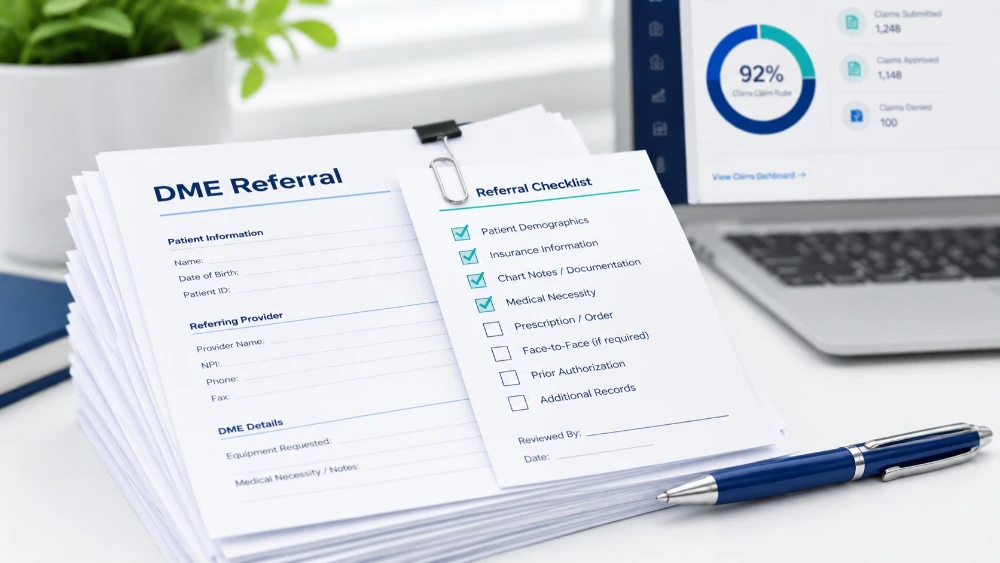
Since most of these denials trace back to documentation, not coding, the more effective fix happens at intake, when a referral first comes in. Reviewing documentation at that stage, rather than after the claim is built, catches missing signatures, incomplete forms, or gaps in medical necessity documentation before they ever reach the billing team.
This matters because once a claim is built, correcting a documentation gap usually means going back to the referring provider, waiting for a response, and delaying the whole order. Catching that same gap at intake avoids that back and forth entirely.
Manual intake review typically takes 20 to 30 minutes per order, since someone has to check each document against a payer’s specific checklist by hand. Automated review at that same stage can bring that down to 2 to 4 minutes, without skipping any of the required checks.
For teams handling a high volume of orders, that time difference adds up quickly, and it means documentation issues get caught while there’s still time to fix them before a claim is even coded.
A quick way to check if your gap is upstream or downstream
Not sure where your denials are actually coming from? A quick way to check is to look at what your denial reasons have in common over the last few months.
- If denials are tied to missing documentation, incomplete signatures, or medical necessity, the gap is upstream, at intake.
- If denials are tied to coding mismatches, modifier errors, or duplicate billing, the gap is downstream, in the claim itself.
- If you’re seeing a mix of both, it often helps to sort denials into these two buckets separately, rather than treating them as one problem.
Most suppliers see a mix of both, but documentation-related denials tend to be the larger share, and they’re also the ones a claim scrubber isn’t built to catch. Knowing which bucket your denials fall into makes it easier to decide where to focus first.
How CompliantRx closes the gap before claims go out
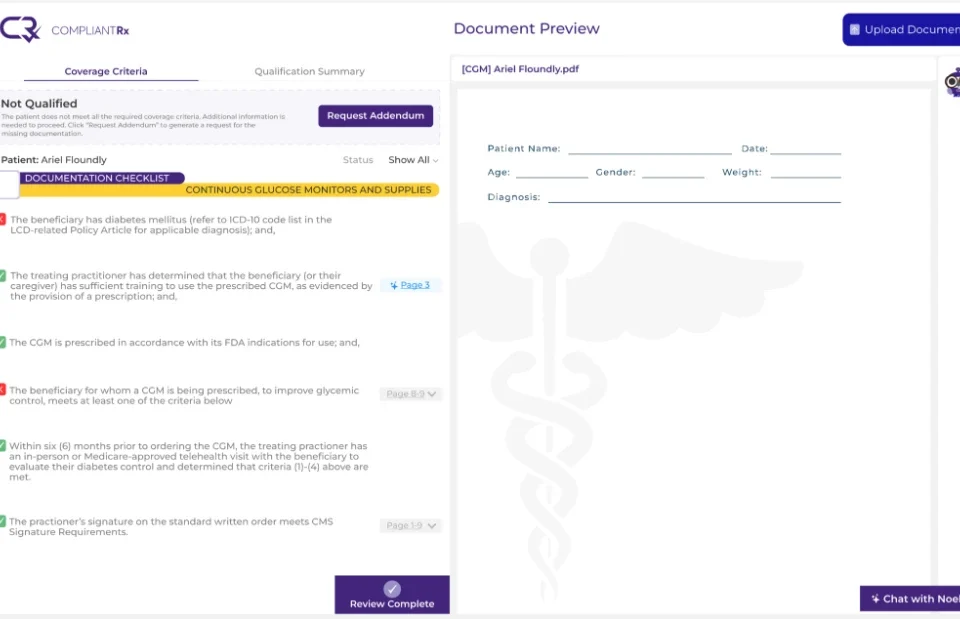
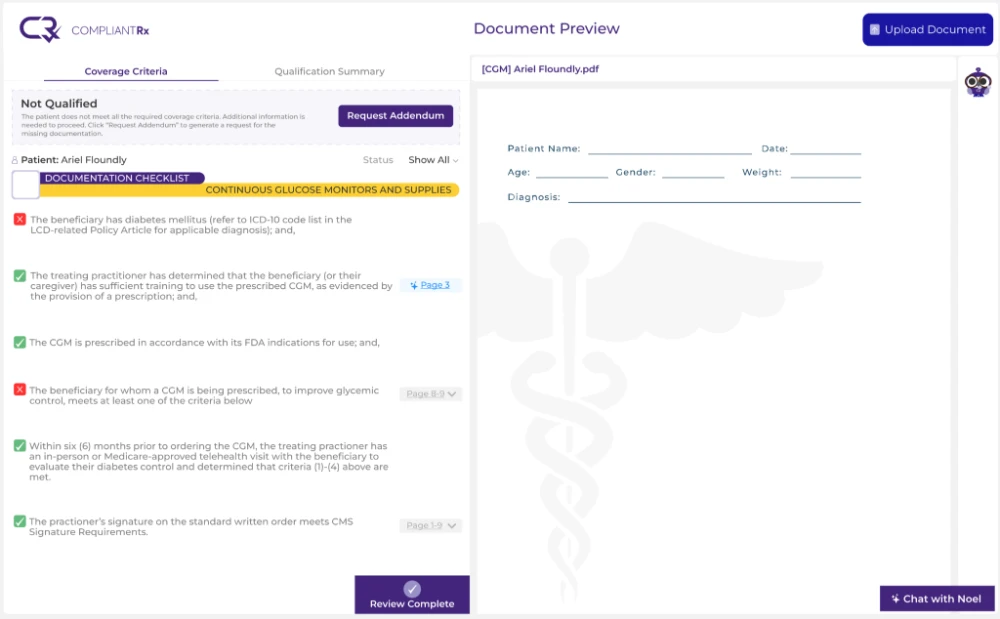
A claim scrubber still plays an important role in catching coding errors before submission. CompliantRx works upstream of that step, scanning incoming referrals and documentation against payer- and product-specific rules the moment an order arrives, then generating an addendum automatically when something is missing.
That means fewer documentation gaps ever make it as far as the claim itself, which gives your scrubber a cleaner starting point to work from.
Want to see how this fits into your current workflow? Schedule a demo with CompliantRx to see it in action.
FAQs
1. Is a claim scrubber the same as a clearinghouse?
No. A clearinghouse transmits claims to payers. A claim scrubber checks claims for errors before they’re sent.
2. Can a claim scrubber reduce denials to zero?
No tool can guarantee that. Scrubbers help catch coding and formatting errors, but documentation-related denials require a different fix.
3. Do small DME suppliers need a claim scrubber?
It depends on claim volume. Lower-volume suppliers may manage with careful manual review, while higher volume usually benefits from automated scrubbing.
4. How much does claim scrubber software typically cost?
Pricing varies by vendor, features, and claim volume, so it’s worth comparing a few options directly.